

Title Case or Sentence Case? What Google and Microsoft Say About Headings
By Ali Alamri · · 5 min read
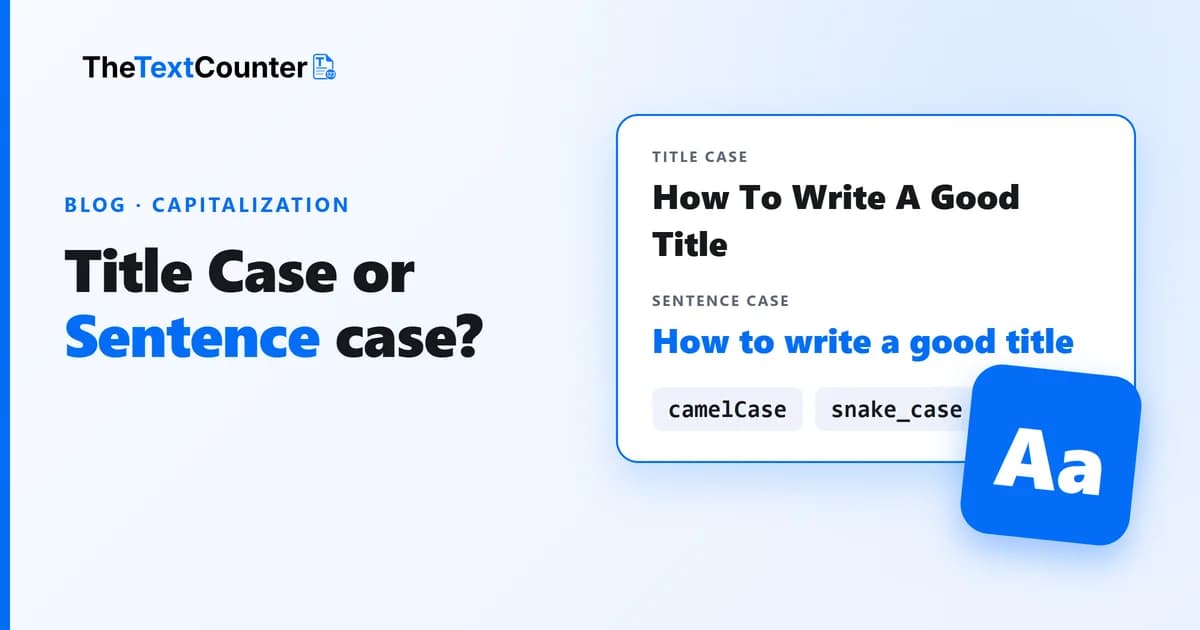
If you have ever stared at a headline wondering whether it should be "How To Write A Title" or "How to write a title", the quickest way out is to see what the people who write documentation for a living actually decided. Two of the most widely used style guides agree.
What the guides say
| Style guide | What it recommends for headings | Where I read it |
|---|---|---|
| Google developer documentation style guide | Sentence case in document titles and headings | Capitalization (page shows no date; read 20 November 2026) |
| Microsoft Writing Style Guide | Sentence-style capitalization in most titles and headings | Capitalization (page metadata: updated 15 October 2026; read 20 November 2026) |
Google's guide is blunt: in titles and headings, use sentence case, which means capitalizing only the first word, the first word of a subheading after a colon, and proper nouns, and leaving off the final period. Microsoft's says the same thing in its own words: capitalize the first word and lowercase the rest, and capitalize the first word after a colon.
Microsoft does not rule title-style capitalization out. Its guide says it is occasionally appropriate, and it lists rules for when it is, including capitalizing the first and last words and not capitalizing prepositions of four or fewer letters. I could not read the Chicago Manual of Style's headline rules, which sit behind a login, so I am not describing them here.
What the converter does with a headline
Take this headline, typed in lowercase:
how to write a good meta description in 2026
In Title Case the Case Converter capitalizes every word:

The output is How To Write A Good Meta Description In 2026. Notice that "To", "A" and "In" are capitalized as well. That is deliberate and simple, but it is not what Microsoft's title-style rules describe: a preposition of four or fewer letters such as "in" would stay lowercase. Treat the tool's Title Case as a fast first pass and apply your own style guide's exceptions by hand.
In Sentence case, the style both guides prefer for headings, the same headline becomes:

How to write a good meta description in 2026. Nothing else needed fixing, which is part of why sentence case is the safer default.
Code is a different kind of capitalization
The other four buttons exist because capitalization carries meaning in code. MDN's glossary describes camel case as words written without spaces, each starting with a capital letter except, optionally, the first, and snake case as words joined by underscores, usually lowercase. The same phrase through the converter gives:
| Style | Result for the headline above |
|---|---|
| camelCase | howToWriteAGoodMetaDescriptionIn2026 |
| snake_case | how_to_write_a_good_meta_description_in_2026 |
Which one you need depends on the language, not on taste:
| Language and role | Convention | Source |
|---|---|---|
| Python functions and variables | lowercase with underscores | PEP 8, naming conventions |
| Python classes | CapWords | PEP 8 |
| Python constants | all capitals with underscores | PEP 8 |
| JavaScript function names | camel case starting with a lowercase character | MDN JavaScript code style guide |
MDN's snake case entry adds that all-uppercase constants such as Number.MAX_SAFE_INTEGER are not counted as snake case, and that the style is the most popular convention in Python and Rust. The converter lowercases everything for snake_case, so a constant needs its capitals restored by hand.
Where every converter fails
A converter works on letters, not on meaning, so it cannot know which words are names. Here is Sentence case on a sentence with a person, an acronym and a city:

"Ali met NASA in Paris" comes back as "Ali met nasa in paris". Sentence case lowercases everything first and then capitalizes only the start of each sentence, so the acronym and the city are lost. The fix is an editing habit rather than a setting: after converting, scan for proper nouns, acronyms and the pronoun "I", and put the capitals back.
A quick decision guide
- Headings on a web page or in documentation: sentence case, as Google and Microsoft recommend.
- A title that your own style guide capitalizes: use Title Case as a starting point, then lowercase the short words your guide says to lowercase.
- Text that arrived in all capitals: run it through Sentence case, then restore names and acronyms.
- Names in code: pick the convention of the language you are in from the table above, and convert with camelCase or snake_case.
- Languages without capital letters (Arabic, Hebrew, Chinese, Japanese, Korean, Thai): the capitalization styles leave them unchanged, because the scripts have no capitals.